Creating workbooks and activity books used to be one of the most time-consuming parts of KDP publishing. Hours spent fixing margins, resizing elements, duplicating pages, adjusting spacing, and hoping Amazon won’t reject your files. But in 2025, creators finally have a much easier—and much faster—way to build these interiors.
If you want the simplest method to create workbooks, activity books, handwriting books, mazes, word searches, crosswords, and educational pages, this guide shows exactly how to do it.
⭐ Step 1: Stop Designing Pages Manually
Traditional methods are slow and outdated:
- Canva templates
- Photoshop files
- Etsy interior bundles
- PowerPoint layouts
They all require:
- Manual resizing
- Margin adjustments
- Duplicating 100+ pages
- Fixing export errors
This slows down creators and leads to inconsistent quality.
⭐ Step 2: Use KDPFast Book Creator
The easiest and fastest way to build workbooks and activity books in 2025 is the KDPFast Book Creator. It eliminates manual design completely.
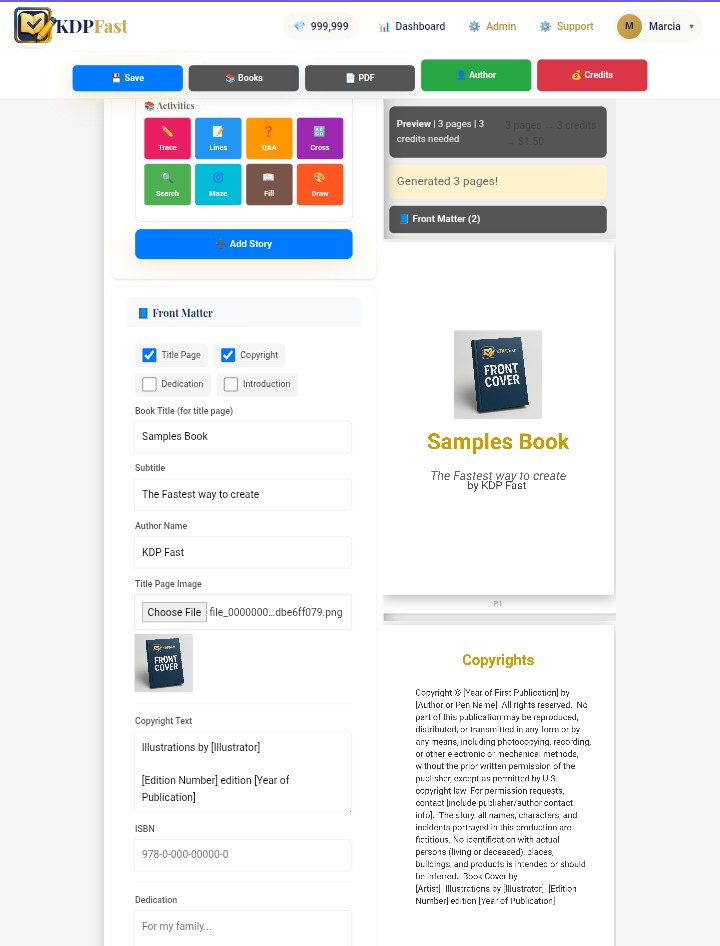
You can generate entire interiors in minutes:
- Handwriting pages
- Trace-the-letters
- Word searches
- Crosswords
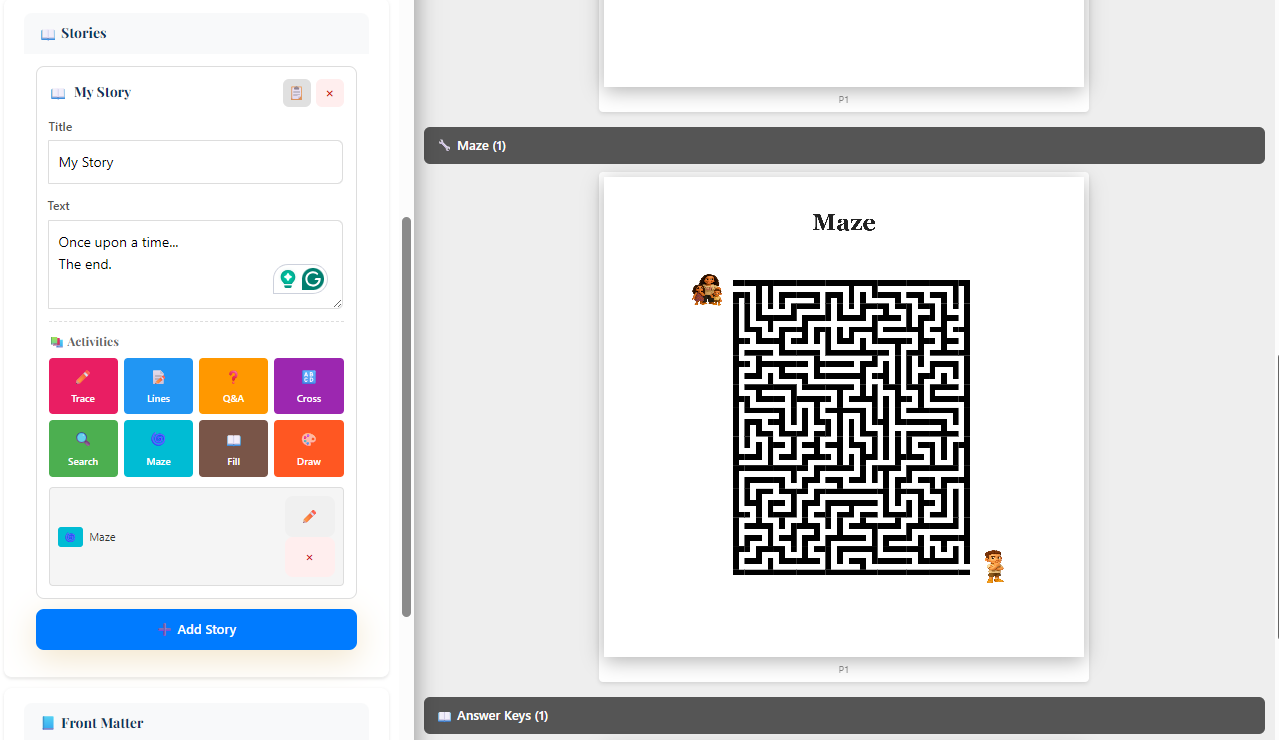
- Mazes
- Drawing prompts
- Questions & comprehension
- Missing word activities
- Lined pages
- Story pages
All formatted automatically for KDP trim sizes.
⭐ Step 3: Choose Your Trim Size & Let the System Format Everything
KDPFast handles all layout work for you:
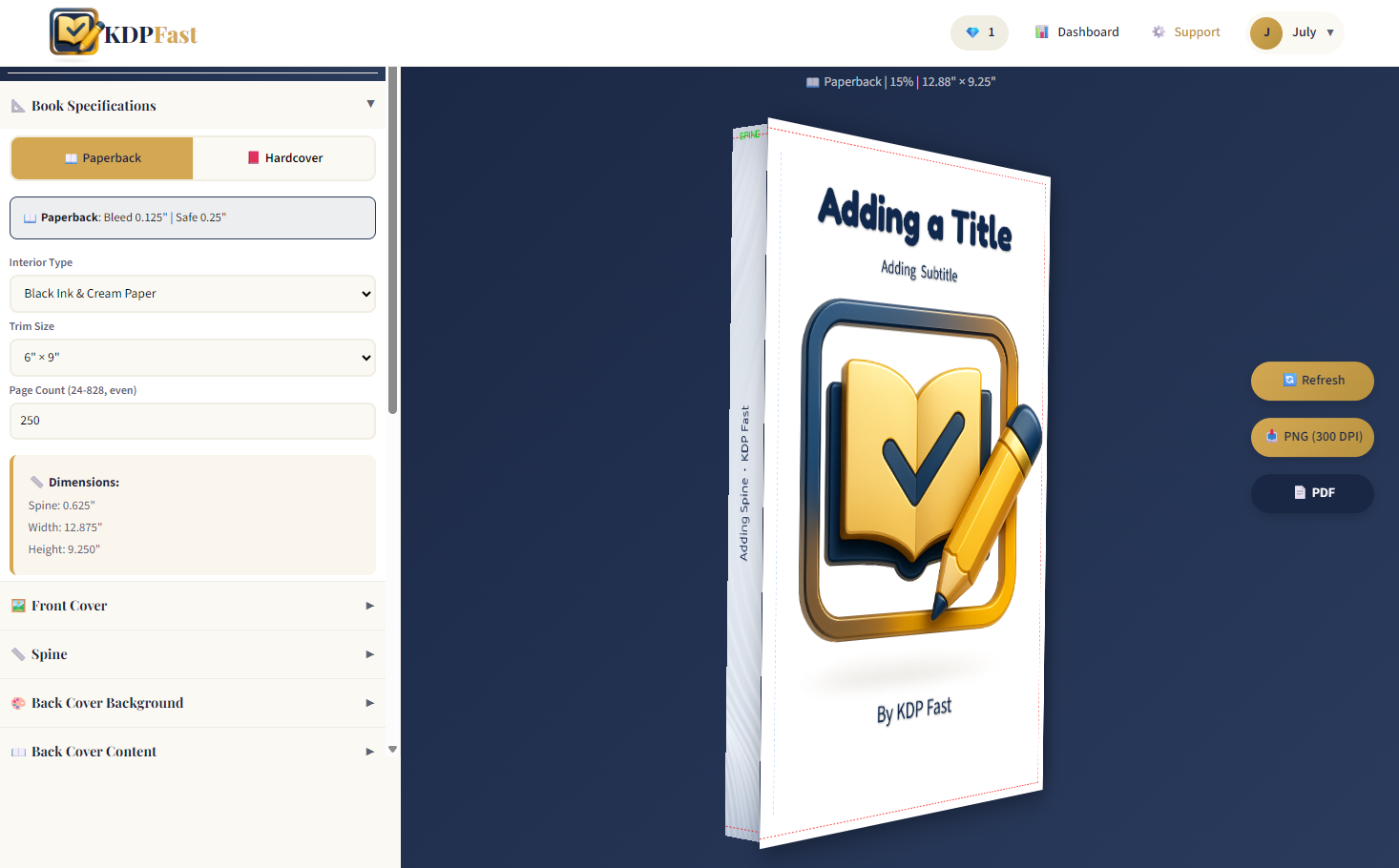
- Trim sizes (6x9, 8.5x11, 7x10, etc.)
- Margins & safe zones
- Bleed / No bleed
- Image placement
- Spacing & alignment
You simply select your size—KDPFast builds perfect pages instantly.
⭐ Step 4: Generate as Many Pages as You Want
Whether you need a 30-page workbook or a 200-page activity book, the process is the same:
Click → Generate → Done.
The system automatically structures your interior so you don't have to duplicate or reorder anything manually.
⭐ Step 5: Preview Before You Export
The built-in real-time preview lets you see:
- Exact page layout
- Margins
- Spacing
- Letter tracing alignment
- Puzzle placement
No more guessing. No more fixing after export.
⭐ Step 6: Export Your Interior Instantly
KDPFast lets you export in all formats you need:
- PDF (print-ready)
- JPG (for previews or Amazon Look Inside)
- PNG
- EPUB (for digital activity books)
Everything is sized perfectly for KDP.
? Why This Is the Easiest Method in 2025
Because you don’t need:
- Design experience
- Photoshop or Illustrator
- Expensive templates
- Manual adjustments
KDPFast replaces all of that with simple, guided generation tools.
? Final Thoughts
Workbooks and activity books are some of the most profitable categories on Amazon KDP—but only if you can produce them quickly and consistently. In 2025, the easiest way to do that is with the KDPFast Book Creator.
It gives you the speed, accuracy, and professional formatting that old tools simply can’t match.
Create beautiful interiors in minutes—not hours.