Creating interiors used to be the hardest and slowest part of publishing on Amazon KDP. Hours lost in Canva. Confusing margins. Wrong trim sizes. DPI errors. Formatting nightmares.
But 2025 changed everything — and creators are finally ditching the old way.
If you’re looking for the fastest, easiest, smartest way to create KDP-ready interiors, this guide breaks down exactly how to do it (and what tools to avoid).
Let’s dive in.
Why Traditional Methods Are Too Slow
Most new and experienced creators still use:
❌ Canva templates
❌ Etsy bundles
❌ Photoshop
❌ PowerPoint interiors
❌ Old PDF packs from 2019
The result?
- Wrong margin sizing
- Alignment issues
- Interiors rejected by KDP
- Inconsistent style
- Hours wasted editing instead of publishing
- A massive slowdown in book production
That workflow simply doesn’t work anymore.
You need a tool that builds for KDP, in the correct dimensions, instantly.
The Fastest Method: KDPFast Book Creator
In 2025, the quickest way to create clean, professional, fully-KDP-ready interiors is the KDPFast Book Creator.
No templates.
No margin guessing.
No dragging and resizing frames.
Everything is built automatically.
Why it’s the fastest:
✔ Instant generation
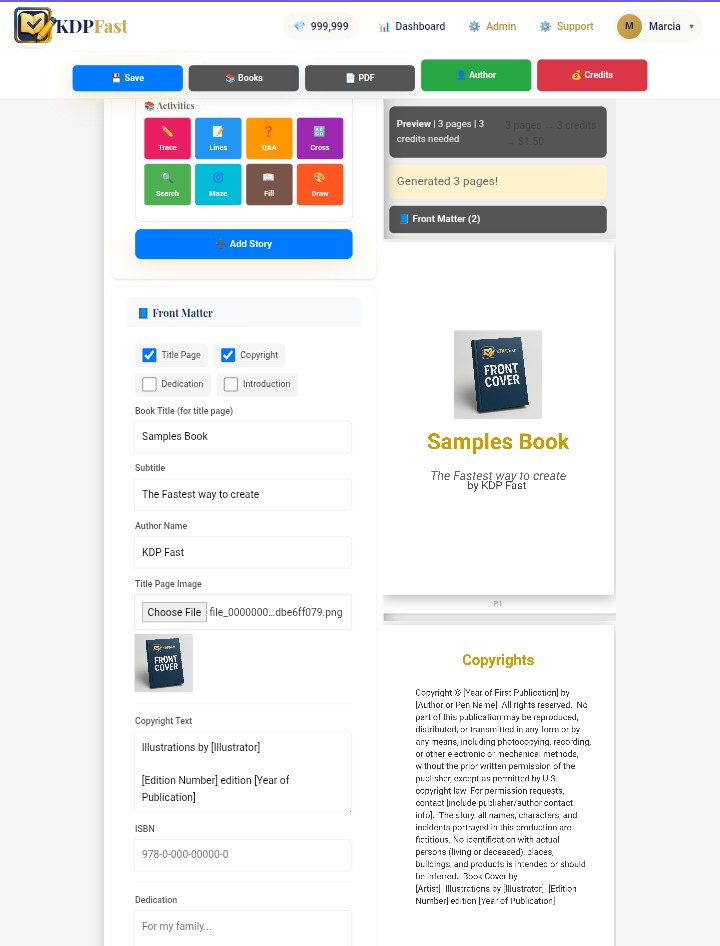
Add pages like:
- Trace pages
- Word searches
- Crosswords
- Mazes
- Questions
- Drawing prompts
- Missing word activities
- Lined pages
- Story pages
- Chapter templates
…with just one click each.
✔ Automatic KDP formatting
Simply choose:
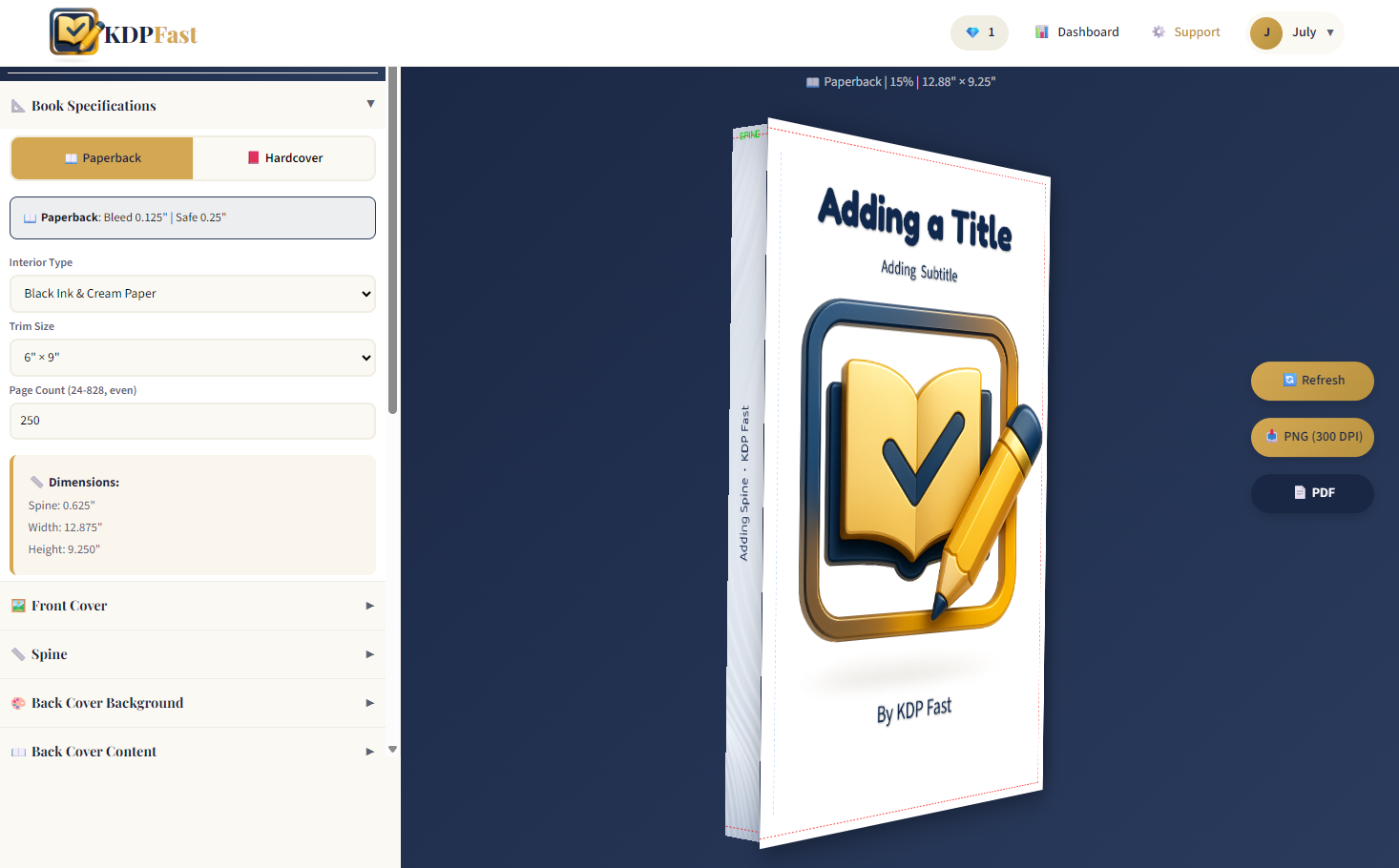
- Trim size (6x9, 8.5x11, 7x10, etc.)
- Bleed / No Bleed
- Page count
KDPFast automatically generates perfectly sized, print-ready pages.
✔ Real-time preview
You see your book exactly as it will export.
No guessing. No back-and-forth adjusting.
✔ Full export options
- Print-ready PDF
- JPG pages
- EPUB pages
- High-res PNG
- All within seconds
✔ Zero design skills required
You do not need:
- Photoshop
- Canva
- Illustrator
- Design experience
Just click, generate, and export.
What Makes It Faster Than Canva or Photoshop?
1. No Templates Needed
With Canva/Photoshop, you’re manually placing elements.
KDPFast builds it for you.
2. No Resizing or Fixing Margins
KDP margins are tricky.
KDPFast handles trim, bleed, safety zones, and layout spacing automatically.
3. No Page Duplication Errors
You don’t create one page and duplicate it 120 times.
You generate all pages instantly.
4. No Broken Fonts
Web fonts can break in PDFs.
KDPFast uses safe embedded fonts optimized for KDP print.
5. No Manual Page Ordering
Stories, chapters, activities, and sections are organized automatically.
Examples of Interiors You Can Create in Minutes
Workbooks
- Handwriting
- Bible stories
- Math practice
- Daily prompts
- Affirmations
Activity Books
- Mazes
- Word searches
- Crosswords
- Mssing Words
- Drawing prompts
Children’s Books
- Short stories
- Illustrated pages
- Guided reading
- Chapter layouts
Journals
- Lined pages
- Trackers
- Planners
- Mood logs
- Gratitude journals
All generated in seconds, not hours.
Bonus: Use Book Projects System for Maximum Speed
KDPFast includes a Book Projects Manager, letting you:
- Plan each book
- Add cover notes
- Track trim sizes
- Set story structure
- Check off tasks (To Do → In Progress → Completed)
- Save reference images
- Track deadlines
- Organize multiple books at once
This eliminates scattered notes in:
- Google Docs
- Notion
- Notebooks
- Phone reminders
- Sticky notes
Your entire publishing workflow is in one place.
⚡ How Fast Is “Fast”?
Real average time creators report:
| Interior Type | Time With KDPFast | Time With Canva / Photoshop |
|---|---|---|
| 120-page Workbook | 2–5 minutes | 4–8 hours |
| 50-page Activity Book | 3–8 minutes | 6–12 hours |
| 100-page Children’s Book | 10–20 minutes | 10–25 hours |
| Full Storybook Interior | 5–10 minutes | 5–15 hours |
Speed = publishing more
More publishing = more sales
More sales = more confidence and momentum
The fastest way to create KDP-ready interiors in 2025 is simple:
Stop designing manually
Stop fixing margins
Stop downloading outdated templates
Start generating interiors instantly with KDPFast
Your publishing time shrinks.
Your production quality increases.
Your creativity grows.
KDPFast is the toolbox authors have been needing for years — and now it’s finally here.